MAKE YOUR MONEY GO GLOBAL!
Send money to 200+ countries with Morpara—by account or by name. Your money, beyond borders!




A first and only in Türkiye!
You can send money to over 200 countries via MoneyGram using the Morpara mobile app. For transfers sent to a recipient by name, simply share the reference number with the recipient.
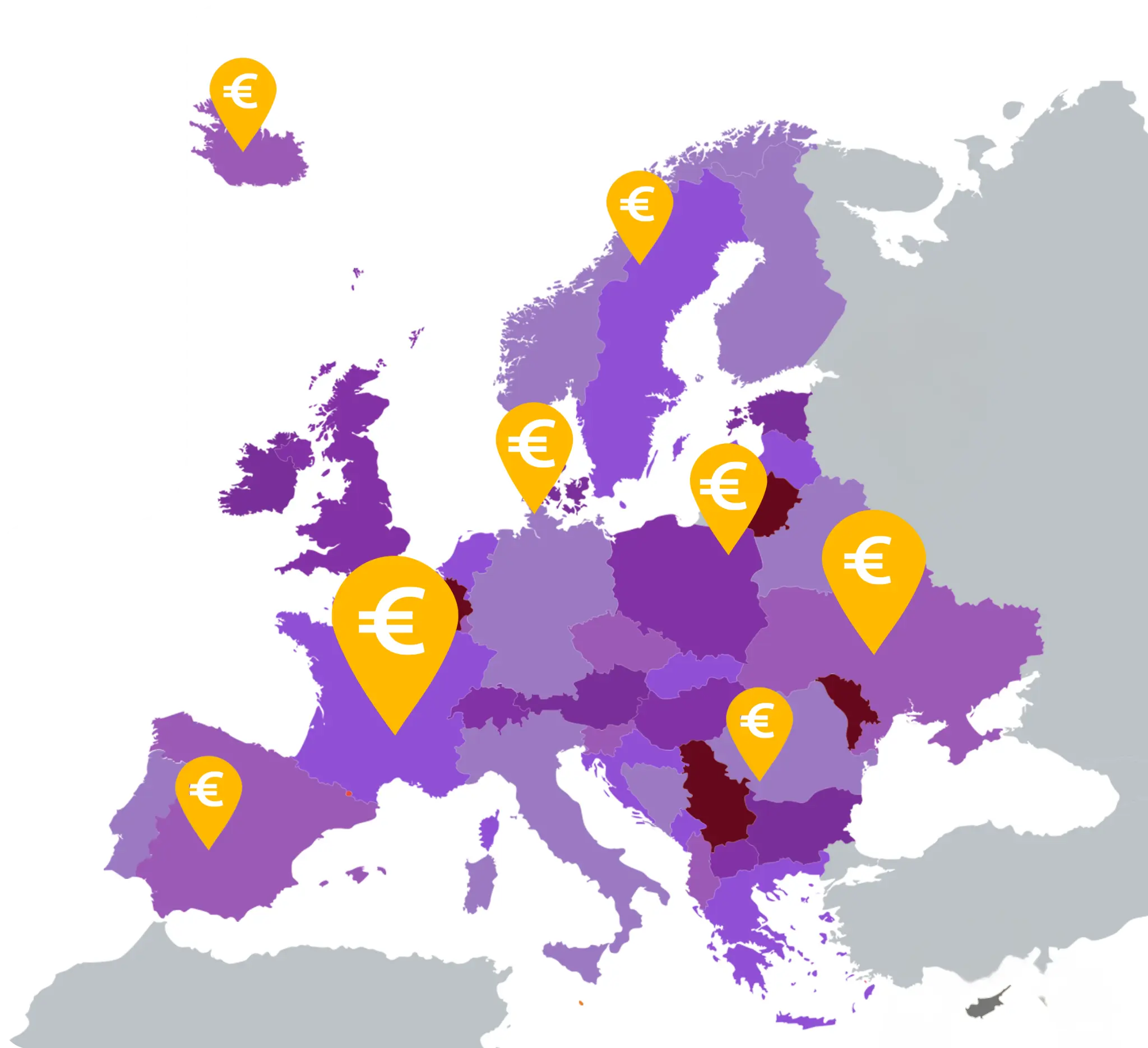
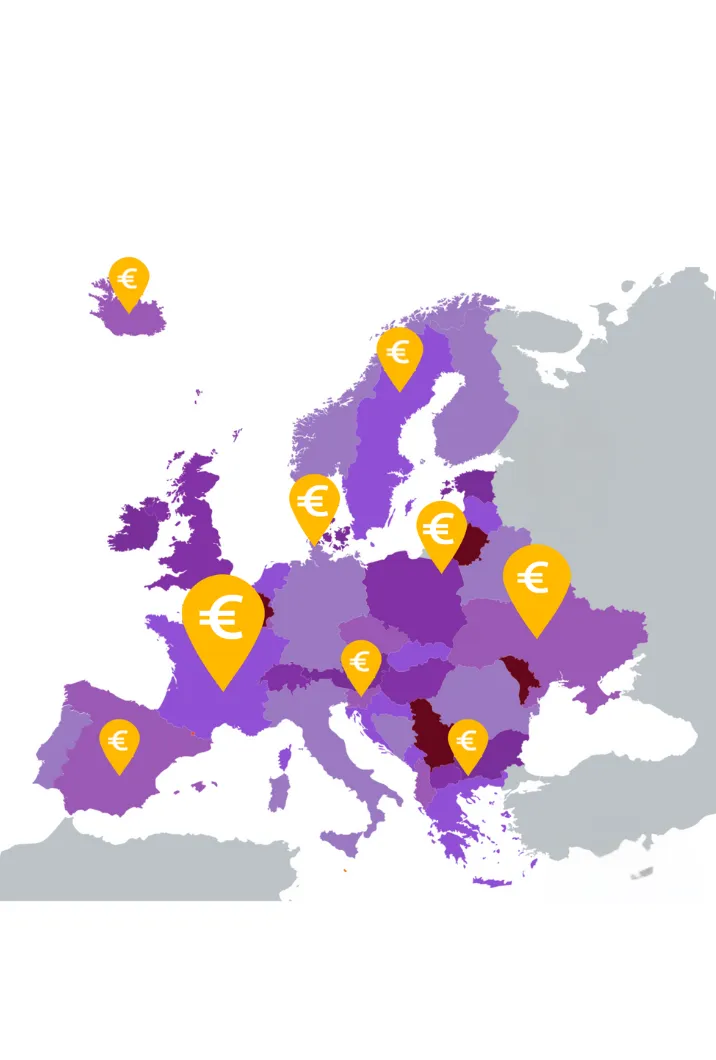
Free Transfers to European Bank Accounts!
You can send money to European IBANs via the Morpara mobile app. No transaction fees—and always competitive exchange rates!
One App, One World: Morpara


Send Money to the United Kingdom!
You can send Euros and Pounds to bank accounts in the United Kingdom using the Morpara mobile app. No transfer fees apply for account-based transfers, and you benefit from competitive exchange rates!
Frequently Asked Questions
Moneygram is one of the money transfer companies with the largest transfer network in the world. It has more than 350,000 agents in more than 200 countries. Thanks to these agents, people from all over the world can transfer money to each other. Thanks to the Morpara mobile integration, the Morpara application allows you to send and receive money via the mobile application, just like the Moneygram agent, but without the need for a physical point. Morpara Moneygram representatives are physical agents. You can carry out your transactions physically through these agents.
Money transfers made by entering the recipient's first and last name are referred to as 'transfers to a name. At the end of the transfer, you must share the reference number that will appear on your receipt with the other party.
A
Afganistan, Almanya, Amerika, Angola, Antigua And Barbuda, Arjantin, Arnavutluk, Avustralya, Avusturya,
B
Bahamalar, Bahreyn, Bangladeş, Barbados, Belarus, Belçika, Belize, Benın, Birleşik Arap Emirlikleri, Birleşik Krallık, Bolivya, Bosna Hersek, Botsvana, Brezilya, Bruney, Bulgaristan, Burkina Faso, Burundi, Butan,
C - Ç
Cabo Verde, Çad, Cibuti, Çek Cumhuriyeti, Çin, Danimarka, Doğu Timor,
D
Dominik Cumhuriyeti, Dominika, Ekvator, Ekvator Ginesi, El Salvador,
E
Endonezya, Ermenistan, Estonya, Esvatini, Etiyopya, Fas, Fiji, Filipinler, Filistin, Fransa,
G
Gabon, Gambiya, Gana, Gine Bissau, Gine, Grenada, Guatemala, Gürcistan, Guyana, Güney, Afrika Cumhuriyeti, Güney Sudan Cumhuriyeti,
H
Haiti, Hindistan, Hırvatistan, Hollanda, Honduras,
I - İ
Irak, İrlanda, İspanya, Israil, İsveç, İsviçre, İtalya,
J
Jamaika, Japonya,
K
Kamboçya, Kamerun, Kanada, Karadağ, Katar, Kazakistan, Kenya, Kırgızistan, Kolombiya, Komorlar, Kongo, Kongo, Demokratik Cumhuriyet, Kore Cumhuriyeti, Kosta Rıka, Kuveyt, Kuzey Makedonya,
L
Laos, Lesotho, Letonya, Liberya, Libya, Litvanya, Lüksemburg, Lübnan,
M
Macaristan, Madagaskar, Malavi, Maldivler, Malezya, Mali, Malta, Marsal Adala, Meksika, Mikronezya, Mısır, Moğolistan, Moldova, Morıtyus, Moritanya, Mozambik, Namibya, Nepal, Nijer, Nijerya, Nikaragua, Norveç,
O
Orta Afrika Cumhuriyeti, Özbekistan,
P
Pakistan, Panama, Paraguay, Peru, Polonya, Portekiz,
R
Romanya, Ruanda,
S
Saint Lucia, Saint Vincent ve Grenadinler, Saint Kitts ve Nevis, San Marino, Sao Tome ve Prensipe, Senegal, Seyşeller, Siera Leone, Şili, Singapur, Sırbistan, Sri Lanka, Surinam, Suudi Arabistan,
T
Tanzanya, Tayland, Togo, Tonga, Trinidad ve Tobago, Tunus, Türkmenistan, Tuvalu, Türkiye,
U
Uganda, Ukrayna, Umman, Uruguay, Ürdün,
V
Vanuatu, Vietnam,
Y
Yemen, Yeni Zelanda, Yunanistan,
Z
Zambiya, Zimbabve
Select the MoneyGram transactions menu from the quick menu in the Morpara mobile application.
Click Send Money.
Select the country you will send.
Proceed with the "To Name" option.
Enter the amount you will send and fill in the recipient's information.
When the transfer is made, share the Institution Reference
Number information on your receipt with the recipient.
Or;
Enter the Transfers menu.
Select Send Money.
Select Overseas Money Transfer.
Select the country you will send and continue with the To Name option in the next step.
Enter the amount you will send and fill in the recipient's information.
When the transfer is made, share the Institution Reference
Number information on your receipt with the recipient.
You can view your receipt by clicking on the Receipt button on the screen where the money transfer is completed, or you can view your receipt from the page that opens when you click on the transaction from the main screen. The Institution Reference Number on your receipt is the reference number you need to send to the recipient.
You can send money by selecting the appropriate option among the local currency, dollar or euro of the country you will be sending to.
MoneyGram money sending fees vary depending on the country and amount you are sending. The transaction fee is sent during the transfer from our application. No hidden fees or commissions are charged afterwards 💜
You can send money by specifying the recipient information from our representatives who have a money transfer agreement with MoneyGram.
The fee for money transfers via MoneyGram from Morpara representatives is determined at the time of the transaction according to the country you will send to and the transfer amount.
The monthly limit for sending and receiving money via MoneyGram is 310,000 TRY, 7,000 EUR, or 10,000 USD.
The average time for shipping processes is 10-30 minutes.
No, the recipient will be able to receive the money in the currency you sent. If the country you are sending to allows receiving money in more than one currency, you must select the currency type when making the transfer.
In order not to have problems with transfers to a name with MoneyGram, you should make sure that you have provided the correct reference number to the recipient. In order for the recipient not to have problems with identity verification, they must apply to receive money from physical points with a valid ID. If they want to receive money from mobile wallets, their identity must be verified in the mobile wallet they will receive. Identity verification methods may vary according to the legal regulations of each country. If you have problems despite meeting all the requirements, you can contact us via our e-mail address destek@morpara.com or our call center at 0850 290 3410. Our call center is open between 09:00-18:00 on weekdays.
If you want to cancel the transfers you made via Morpara mobile application or in case of a refund, the entire amount will be refunded to your Morpara account. Transactions you made through our representatives can be cancelled within 24 hours. Cancellation/refund cannot be provided for transactions made through representatives and exceeding 24 hours.
The fee for sending money to accounts in Ukraine varies depending on the amount sent. You can see the fee before completing the transaction.
Yes. Since Dubai is part of the United Arab Emirates, you can send money to bank accounts or to individuals using the Morpara mobile app.
You can send money to bank accounts in Ukraine via the Morpara mobile app by entering the bank name, branch code, recipient’s full name, IBAN, reason for transfer, and a description. You can complete the transfer in just a few steps.
The fee for sending money to accounts in the UAE varies depending on the amount sent. You can see the fee before completing the transaction.
You can send money to bank accounts in the UAE via the Morpara mobile app by entering the bank name, branch code, recipient’s full name, IBAN, reason for transfer, and a description. You can complete the transfer in just a few steps.
The fee for sending money to accounts in the Philippines varies depending on the amount sent. You can see the fee before completing the transaction.
Our Other Services
Become a Morpara member and start sending money now
With Morpara, you can open an account quickly and securely, create your own electronic account in just a few steps and request your card for free. Download our application by scanning the QR code and join us!